How to Dispose of Laptops
- 1Operational laptops and PCs should be cleaned and factory-reset for secondhand resale or trade-in; broken or obsolete units require permanent storage (SSD/HDD) data destruction before free drop-off at community center e-waste bins or free nationwide bulky e-waste home pickup (1599-0903).
- 2Secondhand resale and certified trade-in valuation: For working laptops, desktop towers, and monitors, clean exteriors (wipe screens, blow out fans/keyboards), verify battery health and component stability, and sell via peer-to-peer marketplaces or certified IT trade-in buyback services for cash returns ($50–$400+).
- 3Account sign-out and deep factory reset: Before selling or transferring, sign out of cloud accounts (Apple ID, Google, Microsoft), disable BitLocker and activation locks, and perform a full operating system wipe selecting secure drive cleaning options.
- ✓Storage drive removal & physical data destruction: For scrap or non-functional computers, unscrew and extract the HDD or SSD; physically drill holes through magnetic platters, shatter NAND chips, or utilize certified degaussing/shredding services to permanently prevent data recovery.
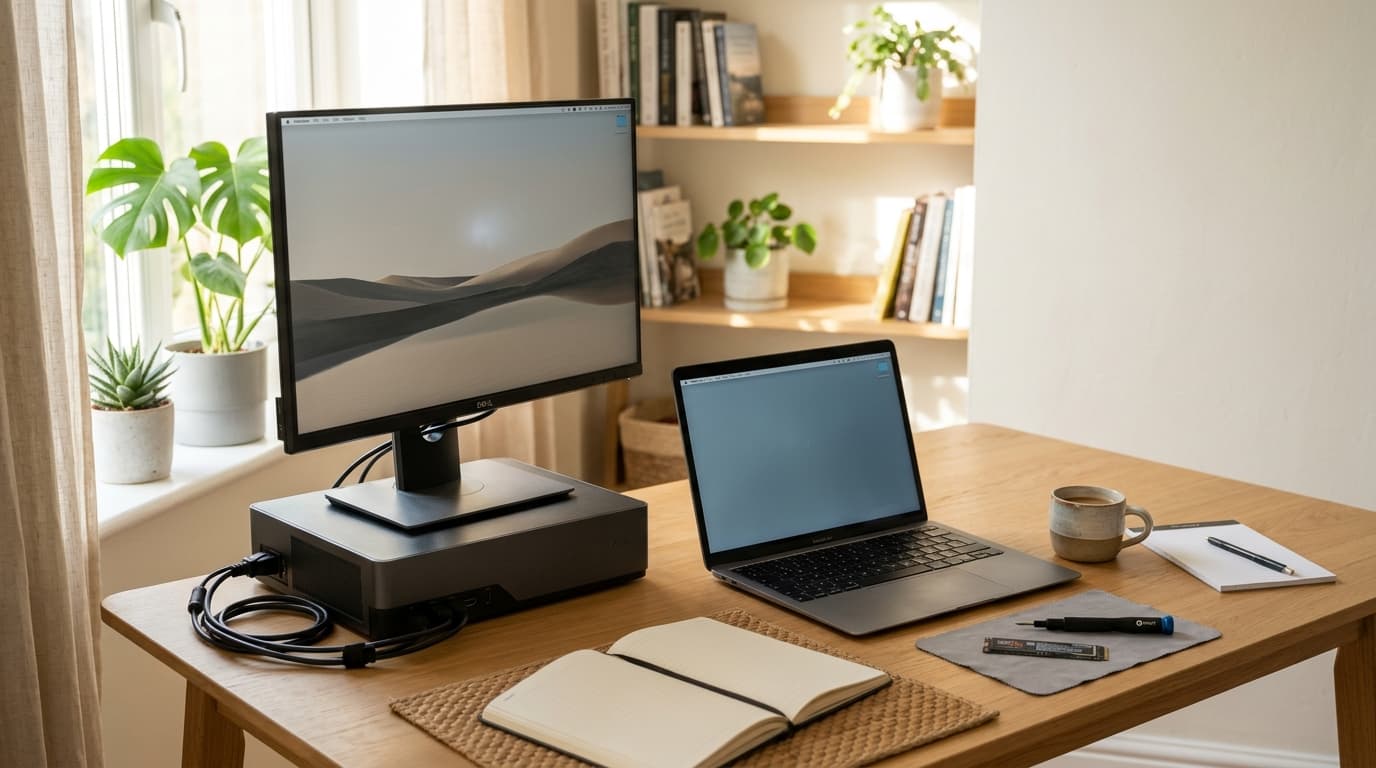
How to Dispose (6 Steps)
- 1
Secondhand resale and certified trade-in valuation: For working laptops, desktop towers, and monitors, clean exteriors (wipe screens, blow out fans/keyboards), verify battery health and component stability, and sell via peer-to-peer marketplaces or certified IT trade-in buyback services for cash returns ($50–$400+).
- 2
Account sign-out and deep factory reset: Before selling or transferring, sign out of cloud accounts (Apple ID, Google, Microsoft), disable BitLocker and activation locks, and perform a full operating system wipe selecting secure drive cleaning options.
- 3
Storage drive removal & physical data destruction: For scrap or non-functional computers, unscrew and extract the HDD or SSD; physically drill holes through magnetic platters, shatter NAND chips, or utilize certified degaussing/shredding services to permanently prevent data recovery.
- 4
Free nationwide e-waste home pickup reservation (1599-0903): A desktop PC tower and monitor set qualifies as an eligible single-package pickup, while standalone laptops can be bundled with 4 other small home appliances for free doorstep collection via Korea e-Waste Governance (www.15990903.or.kr).
- 5
Community center small e-waste bin drop-off: Compact laptops, tablets, mini PCs, and standalone monitors can be dropped freely into dedicated small-appliance collection bins located inside local Dong community centers or apartment recycling depots without sticker fees.
- 6
Municipal bulky waste sticker disposal: If units exceed drop-off bin dimensions (such as heavy vintage steel towers or oversized 32-inch+ all-in-one PCs) in detached residential areas, purchase a local district bulky waste disposal sticker (approx. ₩2,000–₩4,000 / $2–$4) for curbside collection.
Real-World Examples
Functional laptops & gaming PCs: Complete factory reset and clean exterior before selling on secondhand marketplaces or certified trade-in platforms.
Desktop PC tower + monitor bundle: Detach and destroy hard drives, then schedule free nationwide e-waste home pickup (1599-0903).
Broken slim laptops & mini PCs: Remove SSD/storage and deposit into community center small e-waste collection bins for free.
27-inch+ oversized monitors & All-in-One PCs: Purchase municipal bulky waste stickers (₩3,000–₩5,000) or bundle with 4 other small appliances for free pickup.
Frequently Asked Questions
Q. Is running standard Windows format sufficient to protect privacy before selling or discarding a PC?
A. No. Standard quick format only erases partition index tables, allowing common file recovery tools to restore personal photos, certificates, and passwords. For secondhand sales, select 'Clean the drive fully' in Windows reset settings to overwrite storage sectors with random data (Zero-fill). For scrap disposal, physically extract the HDD/SSD and drill through platters or shatter NAND chips for absolute privacy.
Q. Can a desktop PC tower and monitor be scheduled individually for free home e-waste pickup (1599-0903)?
A. Yes. Under Korea free e-waste pickup regulations, a desktop tower paired with a monitor qualifies as a complete set eligible for free single-reservation doorstep collection. However, discarding only a desktop tower or a standalone laptop classifies as small e-waste, requiring a bundle of 5 or more small appliances (such as fans, hair dryers, or kettles).
Q. Can broken or non-booting computers and laptops still be sold on the secondhand market?
A. Yes. Even if a PC fails to boot, salvageable components like the motherboard, graphics card (GPU), RAM modules, power supply, and LCD panel retain substantial resale value. Listing the machine as 'for parts/salvage' or consulting specialized IT buyback platforms can recover $30–$100+. Always remove or physically retain your storage drive (SSD/HDD) prior to handing it over.