Smartphone Speaker & USB-C Port Safe Cleaning Guide | Isopropyl Alcohol & Antistatic Brush
Safe electronic maintenance guide for removing pocket lint, earwax debris, and surface bacteria from smartphone speaker grilles, microphones, and charging ports without damaging internal pins.
🛠️ Required Tools & Cleaning Agents
🔄 Alternative Detergents & Eco Tips
- Toothpick → Alt: Plastic SIM Ejector Pin or Interdental Brush (Non-conductive plastic tool to scoop lint out of charging port crevices)
- Isopropyl Alcohol → Alt: 70% Ethanol Disinfection Screen Wipes (Quick-evaporating solvent that sanitizes screen oils without moisture streaks)
✨ Step-by-Step Care Instructions
Step 1: Power Off Smartphone & Remove Protective Case
- Power off your smartphone completely before cleaning.
- Remove protective phone cases, magnetic wallet attachments, and cables.
- Wash and dry the phone case separately in warm soapy water.
Step 2: Gently Scoop Pocket Lint from Charging Port
- Use a dry wooden or plastic toothpick (NEVER use metal needles or paperclips).
- Insert gently into the charging port along the perimeter walls, avoiding center pin strips.
- Gently hook and pull out compacted pocket lint, dust clumps, and fabric fibers.
Step 3: Clean Speaker Grille & Microphone with Soft Brush
- Hold the phone facing downward so dislodged dust falls out naturally.
- Use an antistatic soft brush or dry toothbrush to gently brush across speaker mesh holes.
- Alternatively, press a small piece of reusable cleaning putty gently over the grille to lift dirt.
Step 4: Wipe Screen & Glass Back with Alcohol Pad
- Use a 70% isopropyl alcohol wipe (or slightly damp microfiber cloth).
- Gently wipe the front glass screen, metal frame, and rear camera lenses.
- Never spray alcohol liquid directly onto phone openings or charging ports.
Step 5: Polish Dry with Microfiber Cloth & Reassemble
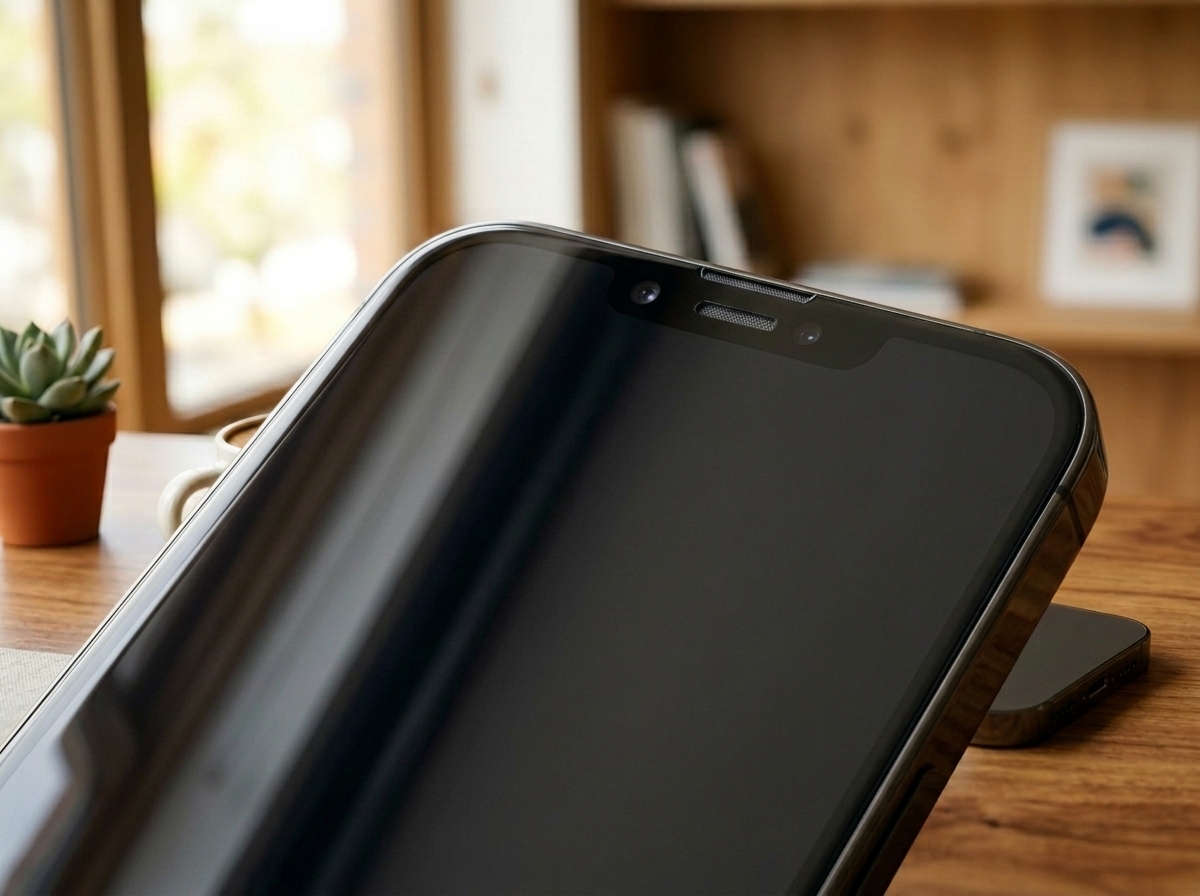
- Buff the screen and chassis with a dry microfiber cloth to remove all haze.
- Allow 5 minutes for all alcohol vapors to evaporate completely.
- Power on your smartphone and confirm solid charging cable connection and crisp audio.
Step 5: Charging Port Dryness Verification & Daily Hygiene Maintenance Routine
- Wait 5 minutes to ensure alcohol vapor in speaker grilles and USB-C ports has fully evaporated.
- Never connect charger cables while chemical moisture lingers to avoid pin corrosion shorts.
- Adopt a daily 10-second disinfectant wipe routine upon returning home to eliminate bacteria.
🩺 Self-Diagnosis Guide
✅ Can be restored with care
- Charging cable feels loose, falls out easily, or requires specific angle to charge
- Earpiece speaker or bottom loudspeaker sound muffled due to earwax and dust
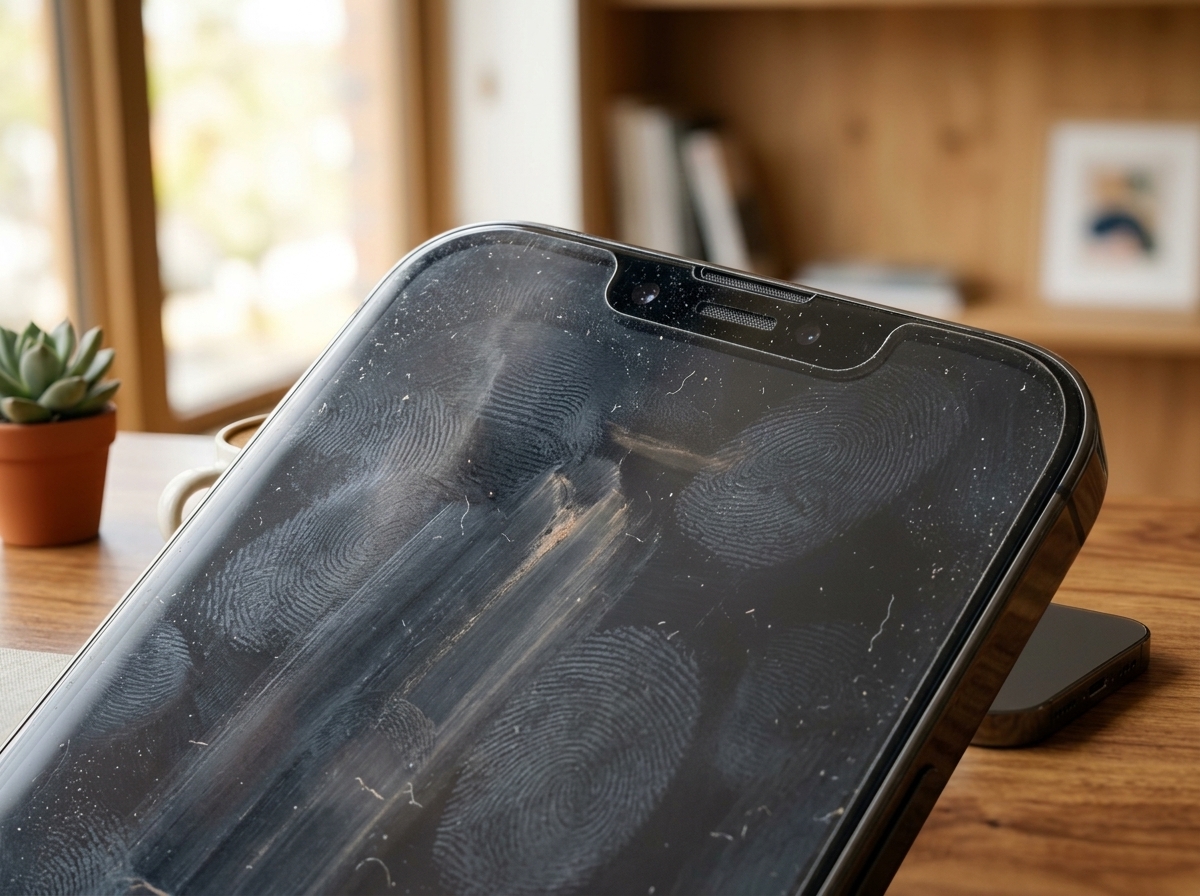
- Screen and phone case smudged with greasy fingerprint oil and bacteria
❌ Reached end of lifespan (Proper disposal required)
- Gold contact pins inside charging port bent, broken, or severely charred from water short
- OLED display cracked, exhibiting green vertical lines or unresponsive touch digitizer
- Battery swollen (phone chassis bulging outward) posing severe fire and explosion hazard
⚠️ Important Safety Precautions
- NEVER insert metal safety pins or needles into charging ports (destroys gold pin circuitry).
- NEVER blast high-pressure compressed air directly into speaker ports (damages acoustic membranes).
- Never spray alcohol or cleaning liquid directly onto the phone screen or seams.
💡 Smartphone Replacement Guide: 3 Key Technical Specs Before Buying
♻️ Reached end of lifespan?
Check local disposal regulations instead of forcing reuse.
❓ Frequently Asked Questions (FAQ)
Q. Why won't my charging cable plug all the way into the port?
A. This is almost always caused by compacted pocket lint packed tightly at the back of the port by repeated cable insertions. Gently scooping out the lint with a wooden toothpick completely restores the snug click.
Q. Can I use household glass cleaner (Windex) on my smartphone screen?
A. No. Glass cleaners contain ammonia that permanently strips the oleophobic fingerprint-resistant coating on your phone's screen. Only use 70% isopropyl alcohol wipes or pure water on microfiber.
Q. Why did my smartphone speaker sound become quiet and muffled?
A. Earwax, makeup foundation, and dust accumulate over time on the fine mesh of the earpiece speaker. Gently brushing with a dry soft toothbrush or dabbing with cleaning putty clears the mesh.