How to Dispose of bluetooth-speaker
- 1Wireless Bluetooth speakers and smart AI home speakers contain high-density rechargeable lithium-ion cells, powerful neodymium magnets, copper voice coils, and integrated amplifier circuitry.
- 2Discarding them in municipal trash bags poses a severe fire hazard from battery puncture during waste truck compaction.
- 3Smart speakers should have personal account integrations and Wi-Fi networks wiped via mobile companion apps before being dropped into municipal small electronics collection bins at community centers or apartment depots.
- ✓Oversized freestanding home theater speakers require an oversized bulky waste sticker.
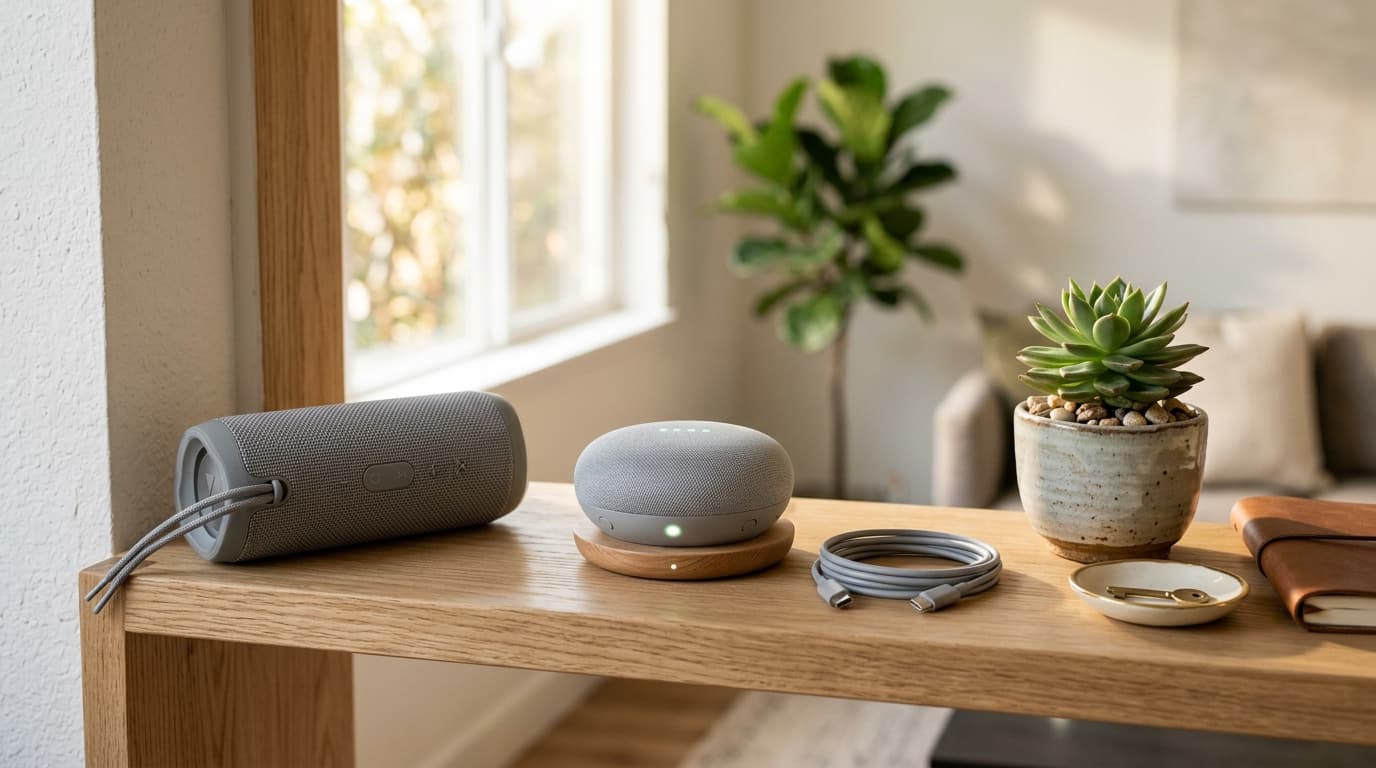
How to Dispose (5 Steps)
- 1
Step 1: For smart home AI speakers, open the companion mobile app to unlink registered accounts and personal profiles, then press the physical hardware reset switch to restore factory settings.
- 2
Step 2: Power down the Bluetooth speaker completely and unplug all external accessories including AC charging bricks, USB cables, and auxiliary 3.5mm audio lines.
- 3
Step 3: Remove detachable external silicone rubber bumper cases, leather lanyards, or fabric wrist straps and sort them into standard municipal waste or plastic bins according to material.
- 4
Step 4: Deposit the wiped speaker unit and companion power cables into a public municipal small electronics recycling drop-off bin located at community service centers or residential depots.
- 5
Step 5: For large floor-standing tower speakers or massive subwoofer enclosures taller than 1 meter, purchase an oversized municipal bulky waste sticker from your local district office.
Real-World Examples
Portable waterproof Bluetooth speakers (JBL, Bose, Marshall): Deposit intact unit into small e-waste collection bin
Smart home AI voice assistants (Google Nest, Kakao Mini, GiGA Genie): Factory reset and place into small electronics bin with power brick
Compact 2-channel PC desktop speakers & TV soundbars: Dispose of directly in municipal small electronics recycling bins
Large home-theater floor-standing tower speakers & subwoofers: Exceeds small electronics size limits, purchase district bulky waste sticker
Audio auxiliary cables & companion DC power supplies: Place into small e-waste bins alongside the main speaker unit
Frequently Asked Questions
Q. Do I need to crack open the speaker casing to remove the magnet or battery?
A. No. Modern speaker cabinets are acoustically sealed with high-strength industrial bonding adhesives. Prying them open with knives or screwdrivers introduces severe puncture risks to the pouch-type lithium-ion cells, potentially unleashing aggressive fires. Industrial e-waste recyclers utilize automated shredding and magnetic eddy-current separators to safely salvage neodymium magnets and copper voice coils.
Q. Why is a factory reset critical before discarding a smart AI speaker?
A. Smart speakers like Google Nest, Kakao Mini, or Amazon Echo store Wi-Fi SSID network credentials, user account tokens, voice history clips, and IoT device access keys in flash memory. You must deregister the hardware in the companion mobile app and hold the reset combination switches until status lights flash, ensuring complete data sanitization.
Q. Can auxiliary 3.5mm audio cables and wall charger adapters be tossed into the same bin?
A. Yes. Municipal small electronics collection bins gladly accept companion audio cords, auxiliary cables, and DC wall transformers alongside speaker units. High-purity copper core wiring and internal transformer coils are cleanly melted down and recycled into secondary industrial metal feedstock.